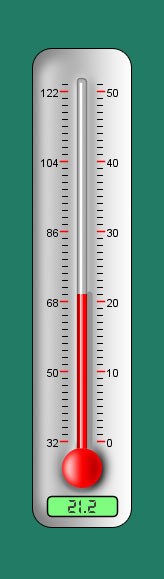
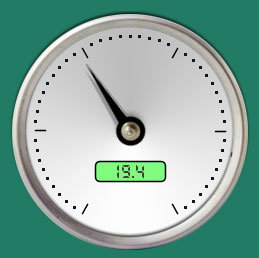
Arduino Processing Sensor Widgets
Just a collection of Processing widgets to visualize some common Arduino sensors. Basically I just got sick of serial.println and the terminal monitor.
These widgets make use of the processing.org library, and in particular the processing.serial library. Processing has an Arduino-like IDE, but these classes are made to run outside of the IDE. In general, the main class in a processing application is PApplet. PApplet is responsible for maintaining the main drawing screen, graphics classes, serial connections, etc, Since all drawing commands must go through a PApplet, all of these widgets take a PApplet "parent" reference. Even though the widgets handle most of their drawing on local PGraphics objects, the final render is via a call to the PApplet parent.
The basic formula is to create a class that extends PApplet and creates all your sensor widgets. This class contains a draw() method, and a serialEvent() method, among others.
The draw() method, as would be expected, is responsible for handling the drawing of your GUI. Essentially you handle the interactions of your widgets, while calling their local draw() method. PApplet's draw() method is called continually at a frameRate() specified.
The serialEvent() method is responsible for handling the serial communication between the Arduino and PApplet. The details depend on the protocol being used. A simple way is to just wait for a an EOL from the Arduino, then process the byte buffer. At it's simplest, the Arduino reads the sensor and prints the result, while the PApplet.serialEvent waits for it:
Arduino Sketch:

void loop()
{
  a=analogRead(0);
  Serial.println(a);
}
PApplet "server":

String str = cPort.readStringUntil('\n');
int sensorVal = Integer.parseInt(trim(str));
//do stuff, like convert to temperature, and call widget.setCelsius(t);